How to ban, kick and unban players
Kicking, banning, muting and unbanning all happen on the Players tab. You do not need to be in the game, and you do not need to remember any commands.
Kick or ban someone who is online
Everyone currently on the server appears as a card, with the actions on it.
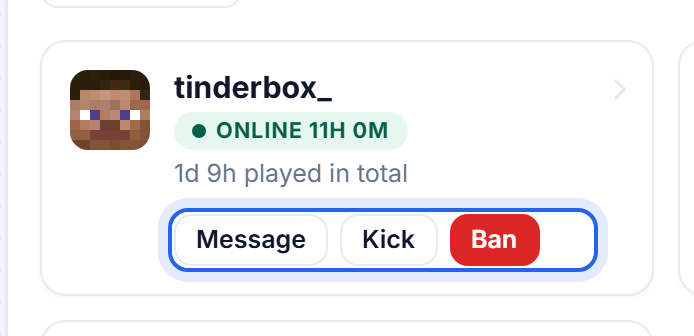
Kick is a time out. It disconnects them and they can walk straight back in - useful for breaking up an argument or clearing someone who is stuck.
Ban stops them rejoining, and it survives restarts.
Someone who has already left
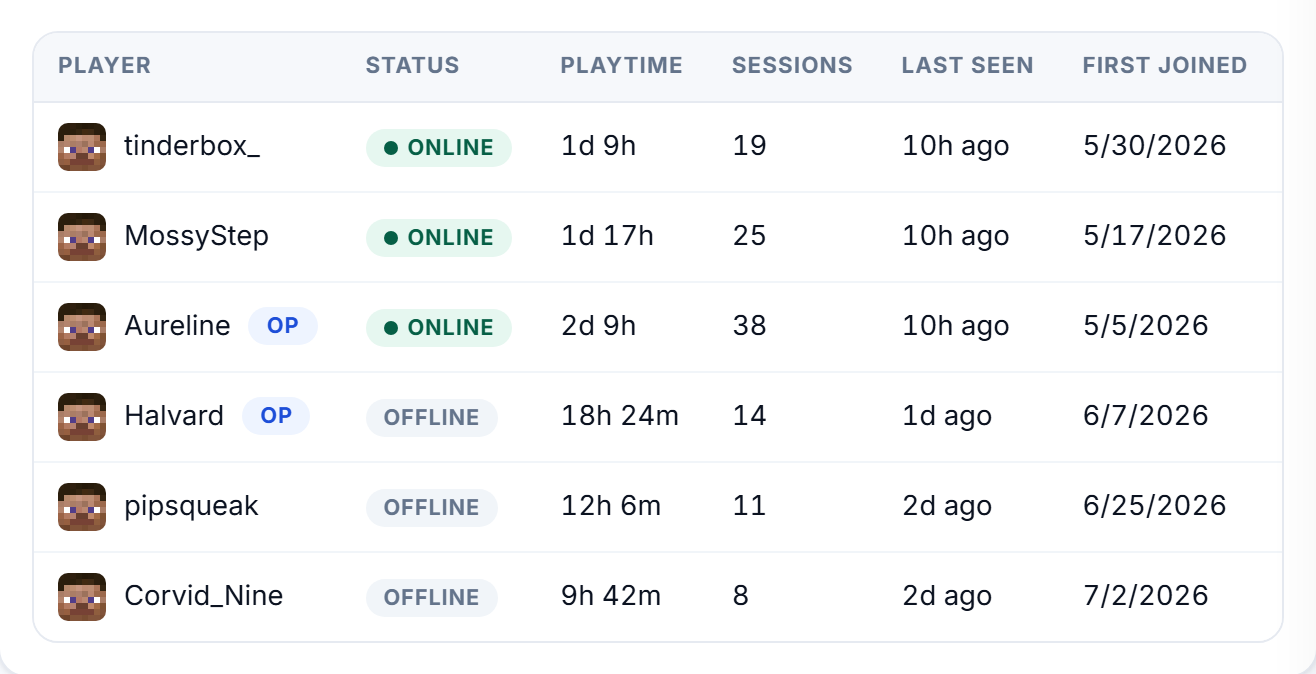
Switch to Roster for everyone who has ever joined, and click a name to open their profile. The same actions are in there.
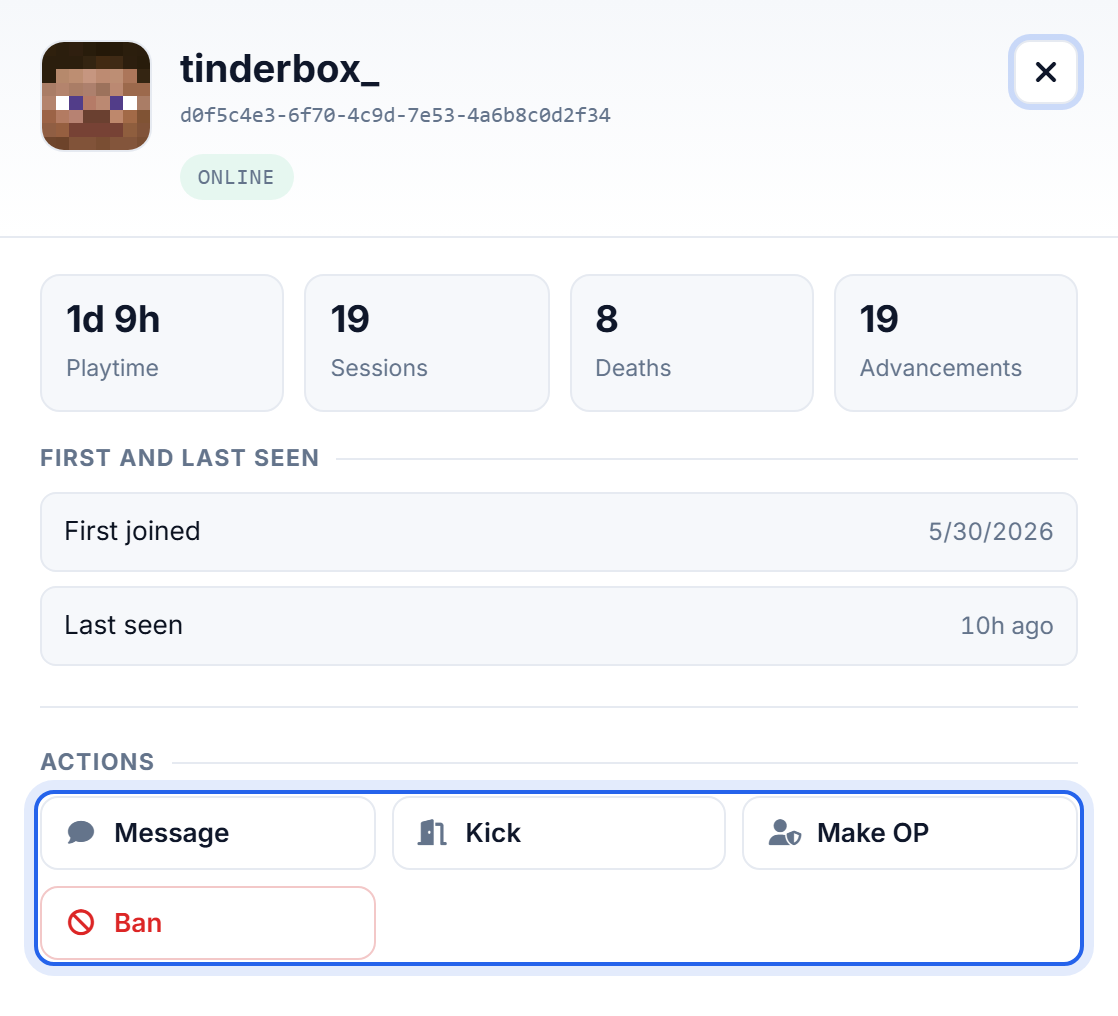
Their profile opens on the right, with their playtime, sessions and punishment history, and the same Kick, Ban and Make OP buttons underneath.
The ban dialog
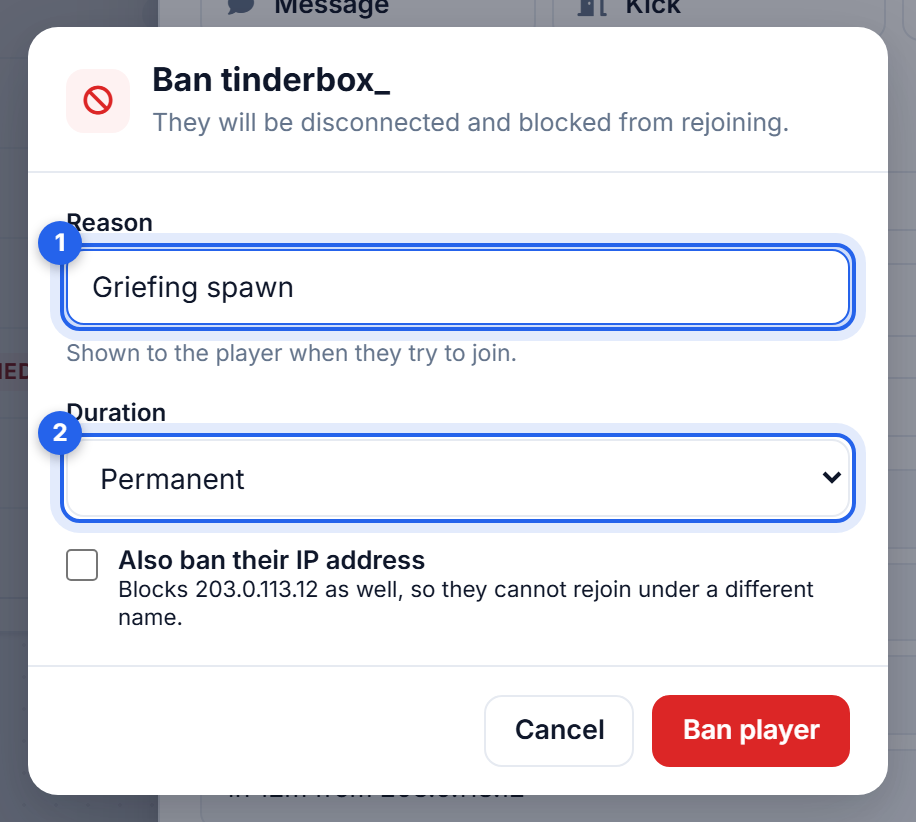
- Reason is shown to them when they try to join, so it is worth writing something clearer than "no".
- Duration can be permanent, or an hour, a day, three days, a week or a month. A temporary ban lifts itself, which saves you remembering.
- Also ban their IP address stops them coming back on a new account.
Use IP bans sparingly. Households, schools and phone networks share addresses, so an IP ban can catch people who did nothing. It is also easily sidestepped by anyone who knows how - it stops the casual repeat offender, not the determined one.
Unbanning
Switch to Moderation.

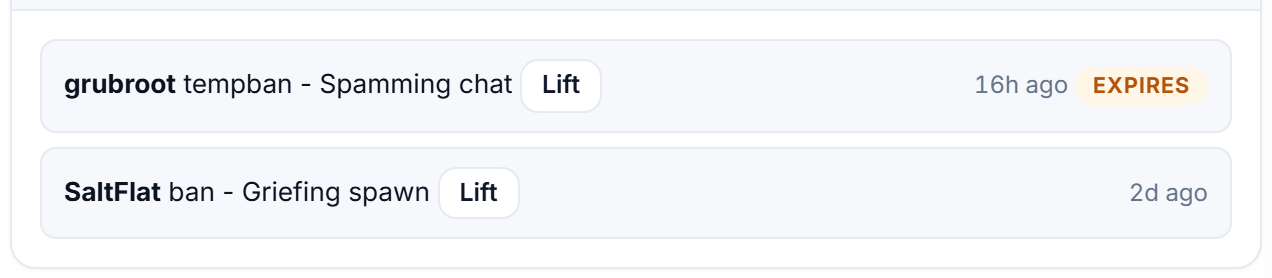
Active bans and mutes lists everything currently in force, with the reason and when it expires. Lift removes it.
Who did what
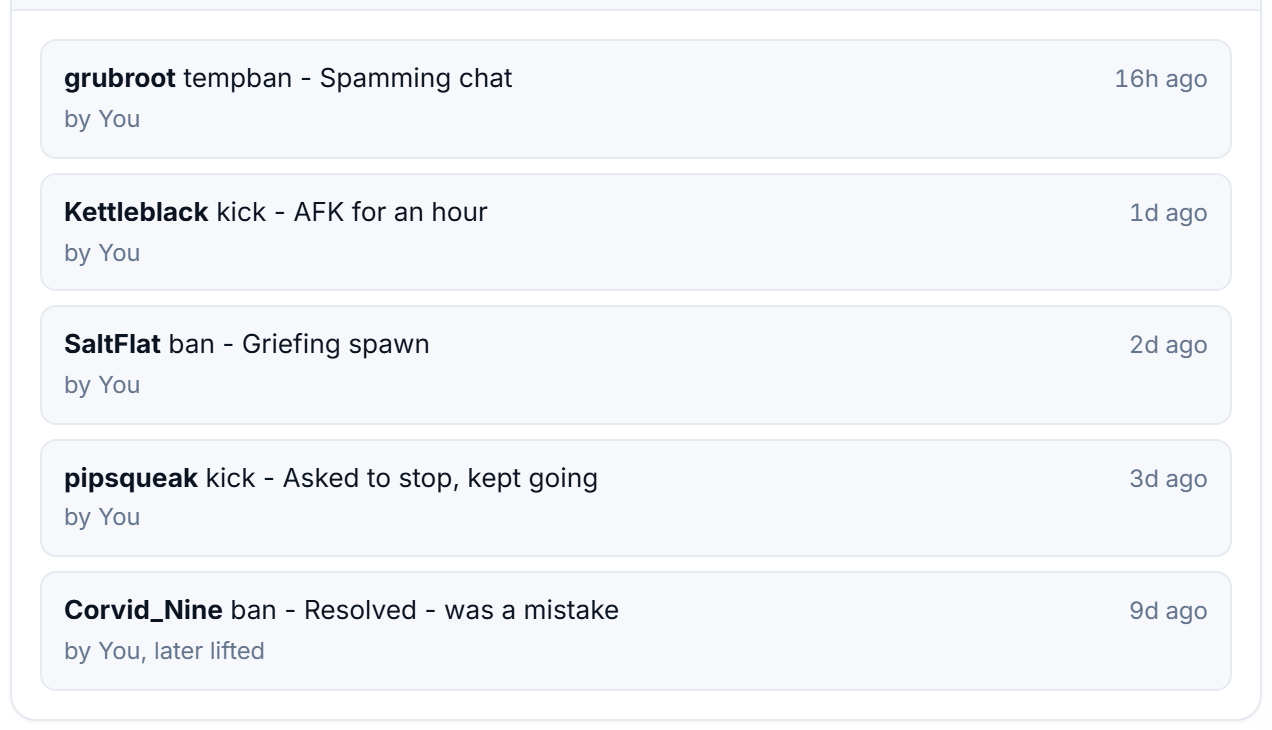
Underneath, the audit log records every kick, ban, mute and unban, who did it and when. On a server with more than one operator this is the thing that settles arguments.
Doing it by command
Everything above is also available from the Console, or in game as an operator with a / in front:
kick PlayerName reason       disconnects them, they can rejoin
ban PlayerName reason        bans them, they cannot rejoin
pardon PlayerName            unbans them
banlist                      shows everyone currently banned
ban-ip PlayerName            bans their address as well
pardon-ip 203.0.113.4        lifts an IP ban
A whitelist is usually less work
For a private server, a whitelist beats banning people one at a time, because it blocks everyone who is not on it by default. See Make yourself a server operator.
Bans are stored in
banned-players.jsonand IP bans inbanned-ips.jsonin your server folder. Resetting your world does not clear them.
Was this helpful?
Still need help? Contact support.
