Manage your plan and billing
Your plan, payment details and invoices all live on the Plan page, reachable from the menu under your email in the top right, or from the button to the left of Create Server +.
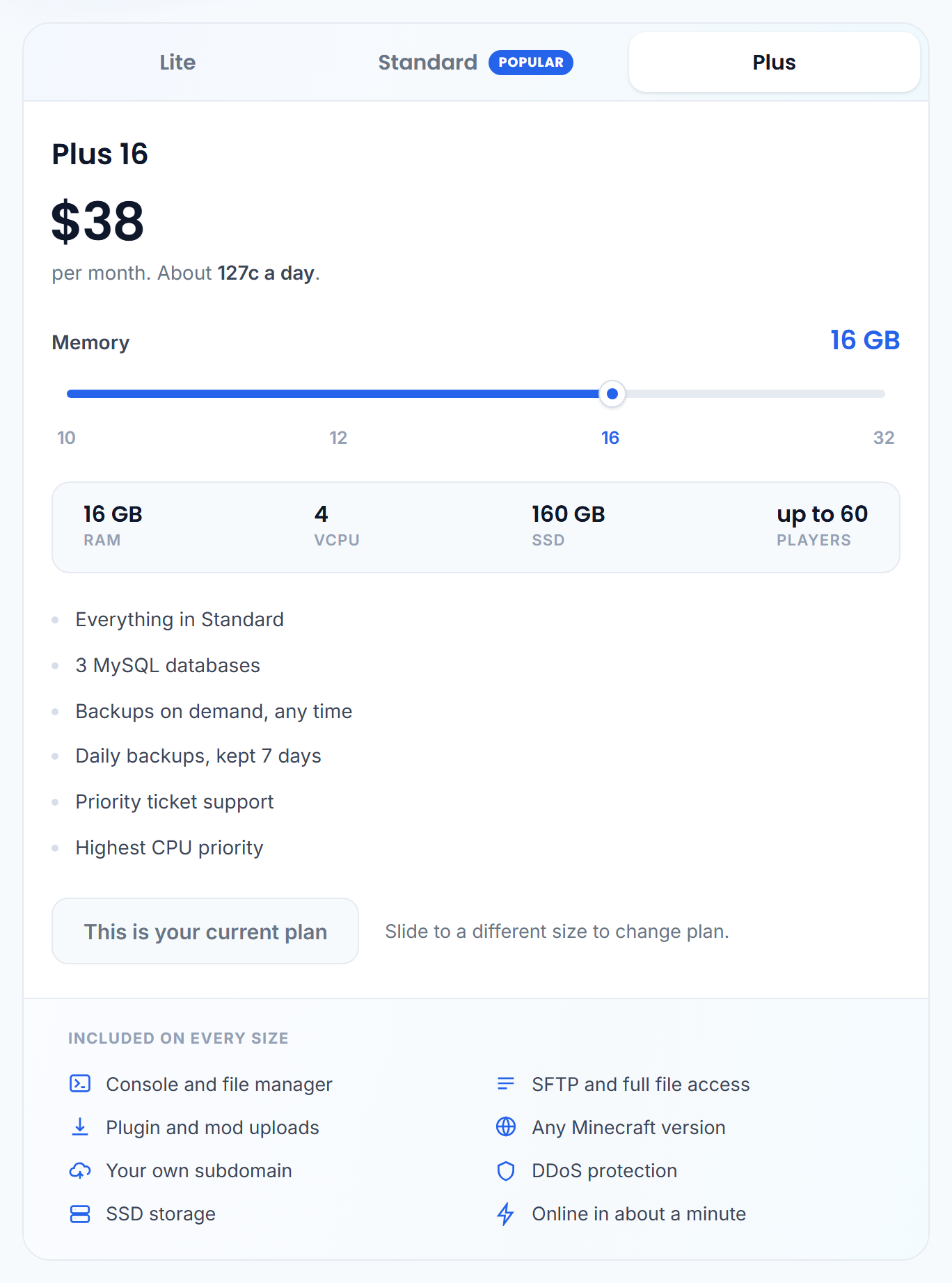
What you can do here
- See your current plan and what it includes.
- Upgrade or downgrade when your server needs more, or less, memory and CPU.
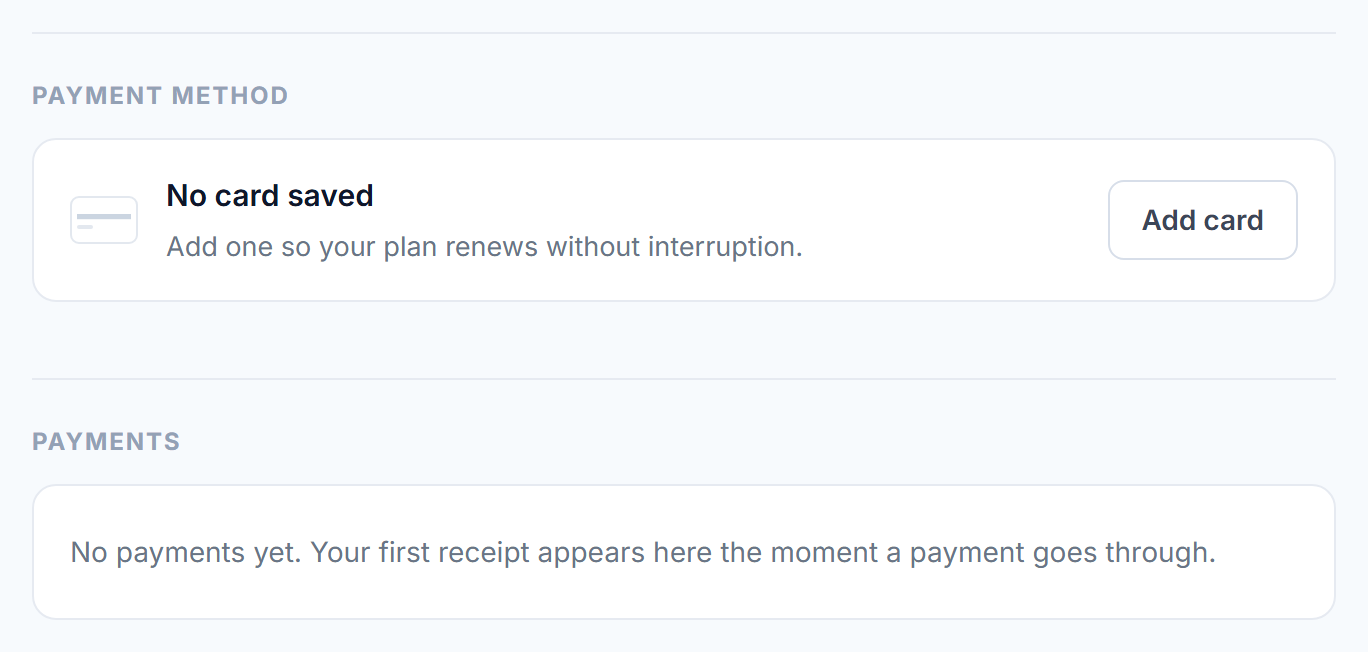
- Update the card on file.
- Download your invoices for your records.
Changing plan
Pick the plan you want and confirm. If you are moving up, the extra resources are available after your next server restart. If you are moving down, set your server's memory at or below the new plan first. See Give your server more RAM.
We never charge your card without you confirming a change here yourself. Renewals are the one exception, and those are shown clearly before they happen.
Was this helpful?
Still need help? Contact support.
