Back up and restore your world
Backups are your safety net. If something breaks or you lose a build, you can roll the whole server back to an earlier point.
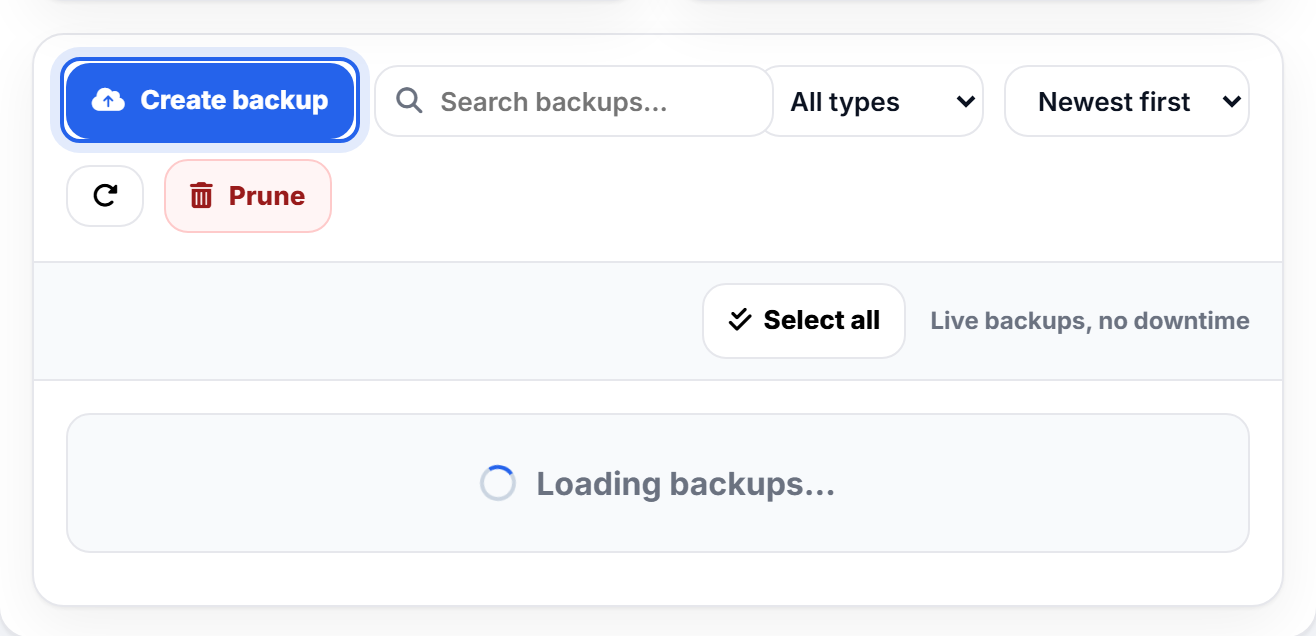
Make a backup
Click Create backup any time you want a save point, for example before installing a big mod or trying something risky. It captures your world and settings exactly as they are right now.
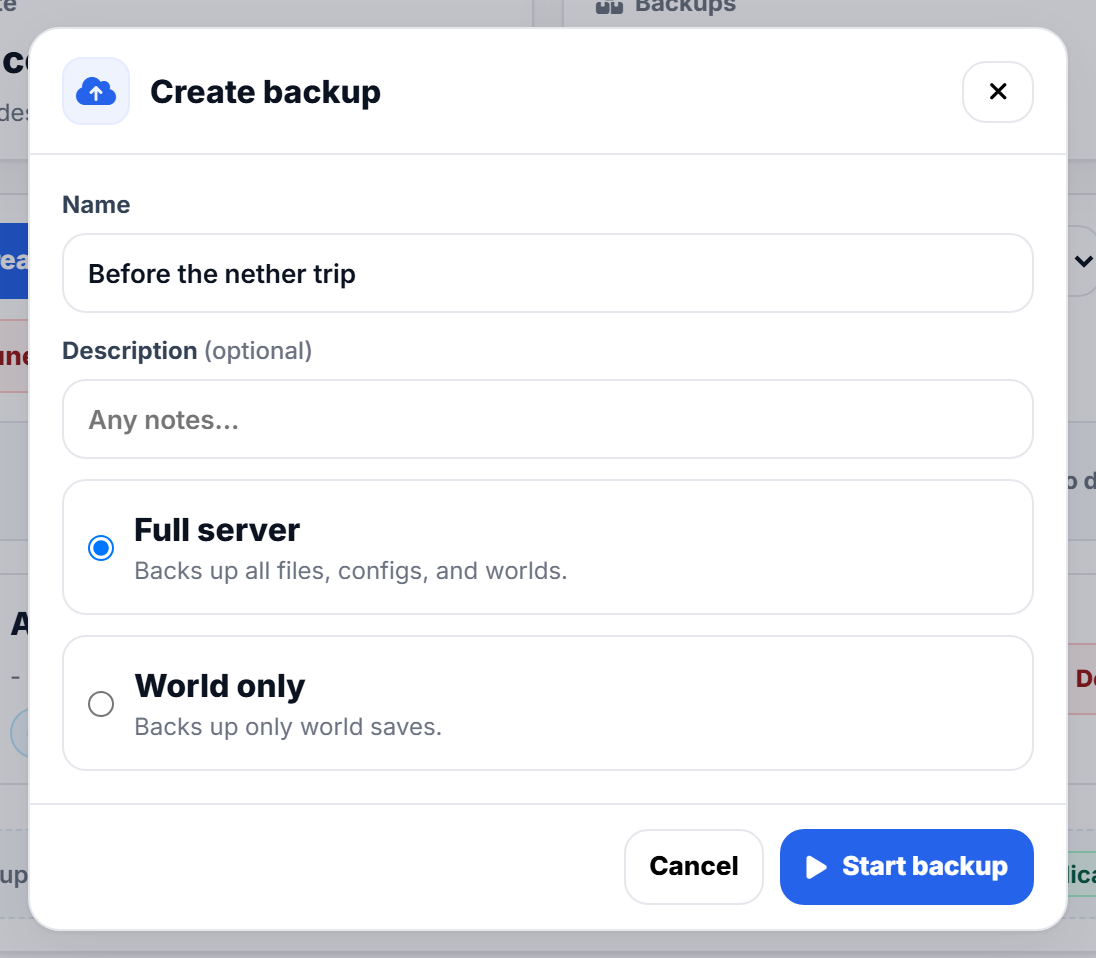
Choose Full server to capture everything, or World only for just the map.
Automatic backups
Your server backs itself up on a schedule, shown at the top of the page, so even if you forget there is always a recent copy to fall back on.
Restore
Find the backup you want in the list and choose Restore. The server rolls back to exactly how it was when that backup was taken.
Restoring replaces your current world with the backup. If you might want the current version too, take a fresh backup first, then restore.
Keeping it tidy
Use Prune to clear out old backups you no longer need and free up space. Plans that support Offsite backups can also send a copy to your own storage, which you set up under Settings.
Copying a snapshot to another server
Want to bring a backup from a different server you own onto this one, rather than restoring this server's own history? Use the Import tab instead of Backups - see Import your server from another host.
Was this helpful?
Still need help? Contact support.
