Fixing an out of memory crash
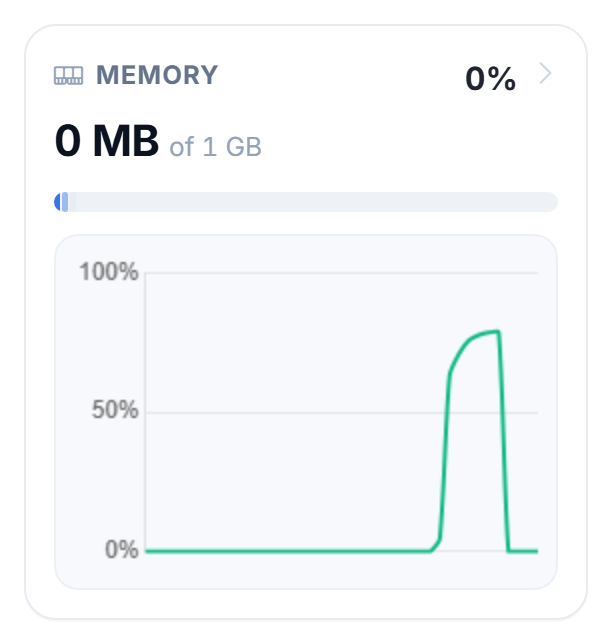
If your server keeps crashing, especially on start or once it fills up, it may be running out of memory. The console usually mentions OutOfMemory or heap.
What to do
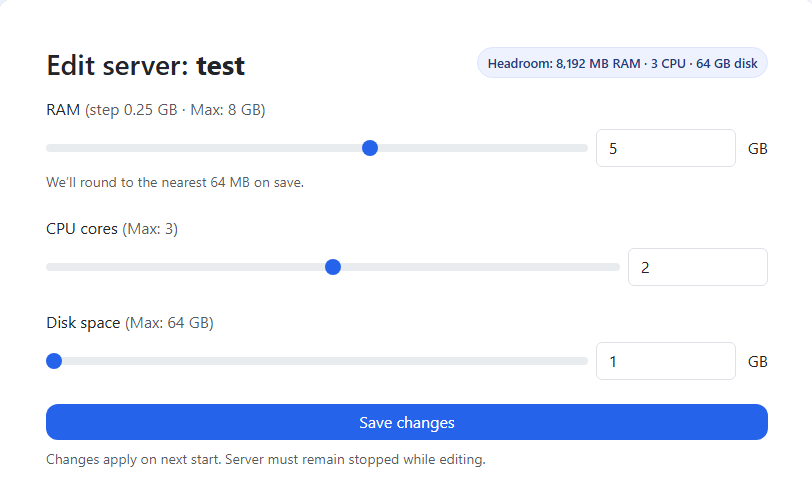
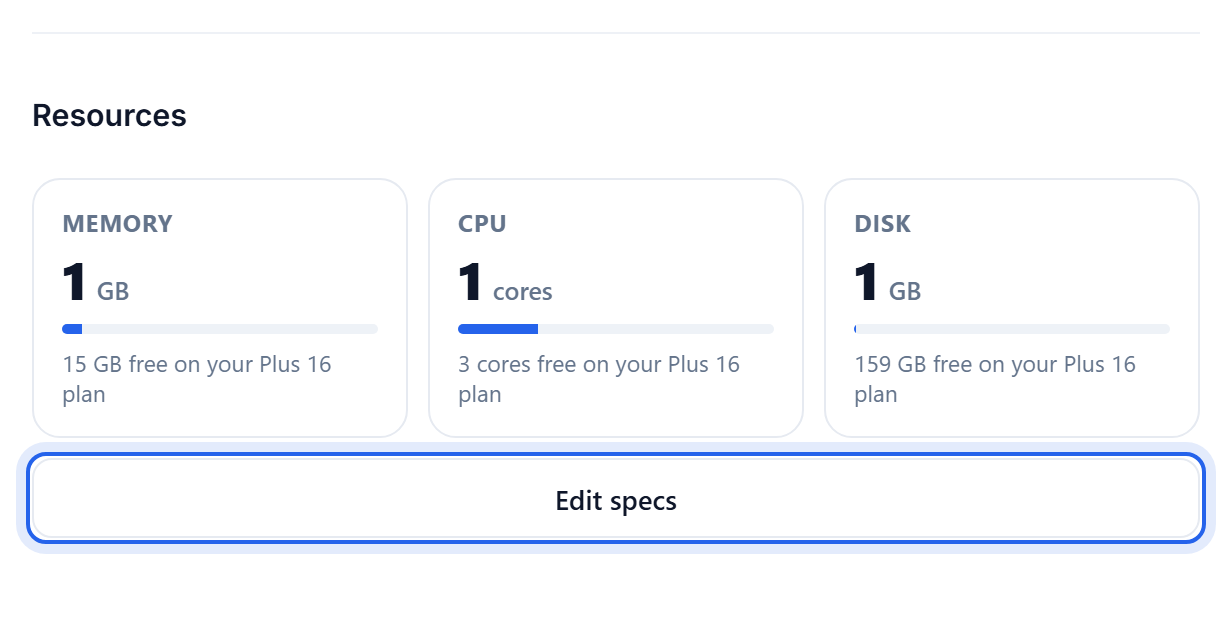
- Give it more RAM. Open Settings, and in the Resources section click Edit specs, then raise the RAM slider and save. Stop the server first, the change applies on the next start. See Give your server more RAM.
- Check your plan has enough. The Max on the RAM slider is your plan's limit. Modpacks need a lot more than vanilla, 4 GB or more. If you are already at the max, upgrade from Billing.
- Lower the view distance to ease the load, see How to change the view distance.
- Trim heavy mods if a big pack is simply too much for the memory you have.
A modpack crashing instantly on start is nearly always not enough memory. Give it more and try again before anything else.
Was this helpful?
Still need help? Contact support.
