My server will not start
When a server stops on its own, or refuses to come up, the reason is in the log. You do not have to read it yourself - Crash Assistant does that, explains what happened in plain English, and can usually apply the fix for you.
Start with Crash Assistant
Open your server and click Crash Assistant in the sidebar.
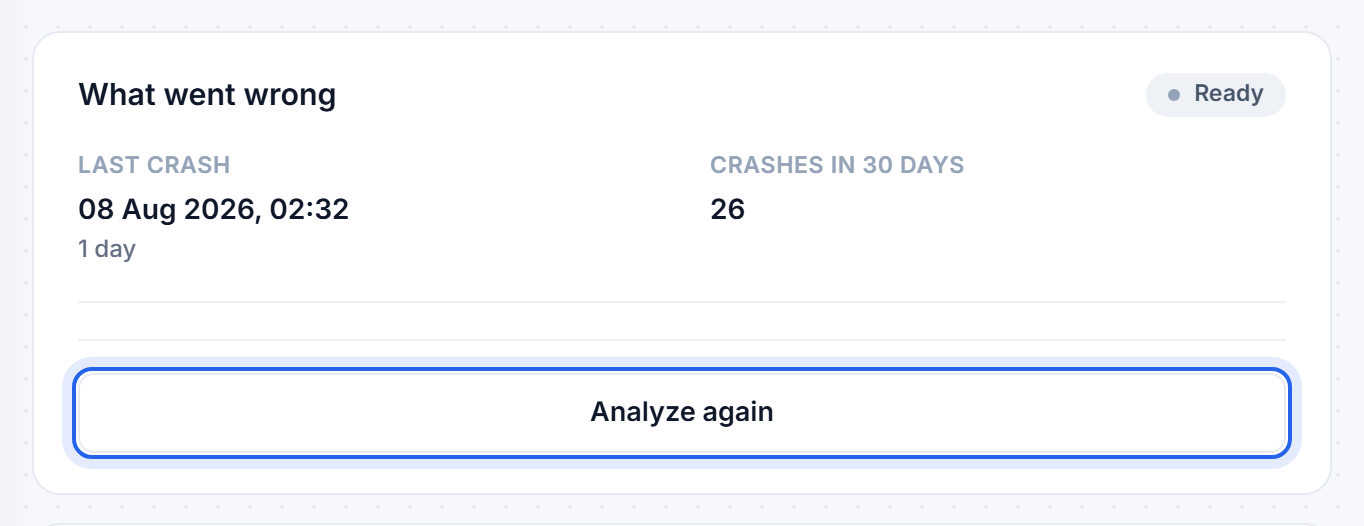
Press Analyze. It reads the crash log along with your version, loader, installed mods and memory, and comes back with the cause and a plan.
What it can fix
Every step is listed before anything happens, with the reason for it, and nothing runs until you approve it:
- Turn off a mod that is breaking the server. The single most common cause of a failed start.
- Install a missing dependency. Some mods need a library mod that was never installed.
- Swap a mod to a build that matches your version. A mod for the wrong Minecraft version or the wrong loader stops the server before the world loads.
- Raise your memory. For an out-of-memory crash.
- Repair a broken config file. A stray character in a
.ymlor.propertiesfile stops a clean boot, and it can put the file back the way it was. - Change a server setting that is causing the failure.
- Restore a backup. Offered only when nothing smaller will do, and always confirmed separately, because it costs you anything built since that backup.
You can choose Apply this fix and restart, or Apply the changes without restarting if you would rather pick your moment. If the result is not what you wanted, Undo all changes puts everything back.
Check whether it is a pattern
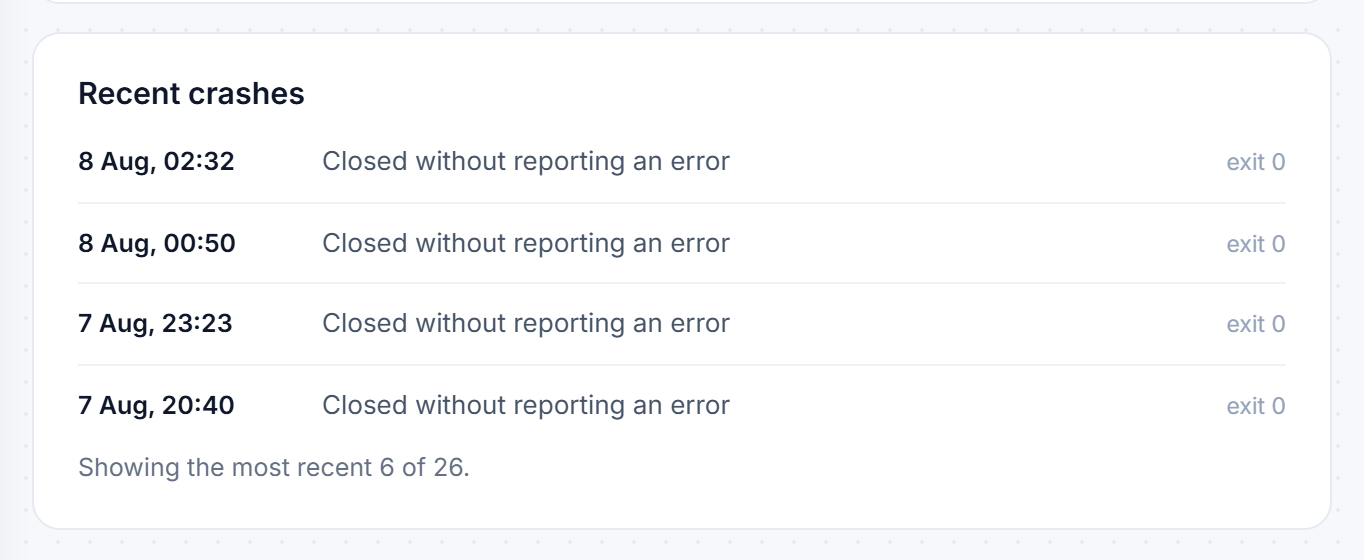
The Recent crashes list underneath shows what has been happening and when. One crash after you installed something is a different problem from a crash every twenty minutes.
If you would rather work it out yourself
Open the Console tab and press Start, then watch the messages. The useful line is rarely the last one - look for the first line containing ERROR, Caused by: or Exception and read from there.
The handful of causes behind almost every failed start:
- A broken mod or plugin. The log usually names the file. Turn it off in Mods & Plugins and start again. Added several at once? Turn them all off, confirm a clean start, then re-enable a few at a time.
- Out of memory. The log ends with
java.lang.OutOfMemoryError, or the server dies partway through loading with no clear error. See Fixing an out of memory crash. - A damaged world. An error mentioning
level.dat,region,chunkorAnvilChunkLoader. Restore the last working snapshot from Backups. - You just changed version or software. The world or the mods do not match the new version. Worlds cannot be moved back to an older version at all. Set it back, confirm it starts, then change one thing at a time.
- A malformed setting. YAML in particular cares about spaces, and a tab where spaces belong will refuse to load. If it broke right after you edited a file, look at that file first.
Still stuck
Open a ticket from the Help page. Paste the first error line from the console and say what changed just before it stopped working - those two things are usually enough for us to spot it quickly.
Was this helpful?
Still need help? Contact support.
