Upload your own world
Already have a world from single player or another host? You can move it onto your Volantis server through the Files page.
Before you start
- Stop the server first. Uploading a world while it is running can corrupt the save.
- Have your world folder ready. From single player it is the folder inside your
.minecraft/savesdirectory, and it contains alevel.datfile. - Moving a whole server, not just a save? The Import tab can bring it in directly - including settings and, from another host, over SFTP/FTP too. See Import your server from another host.
Upload it
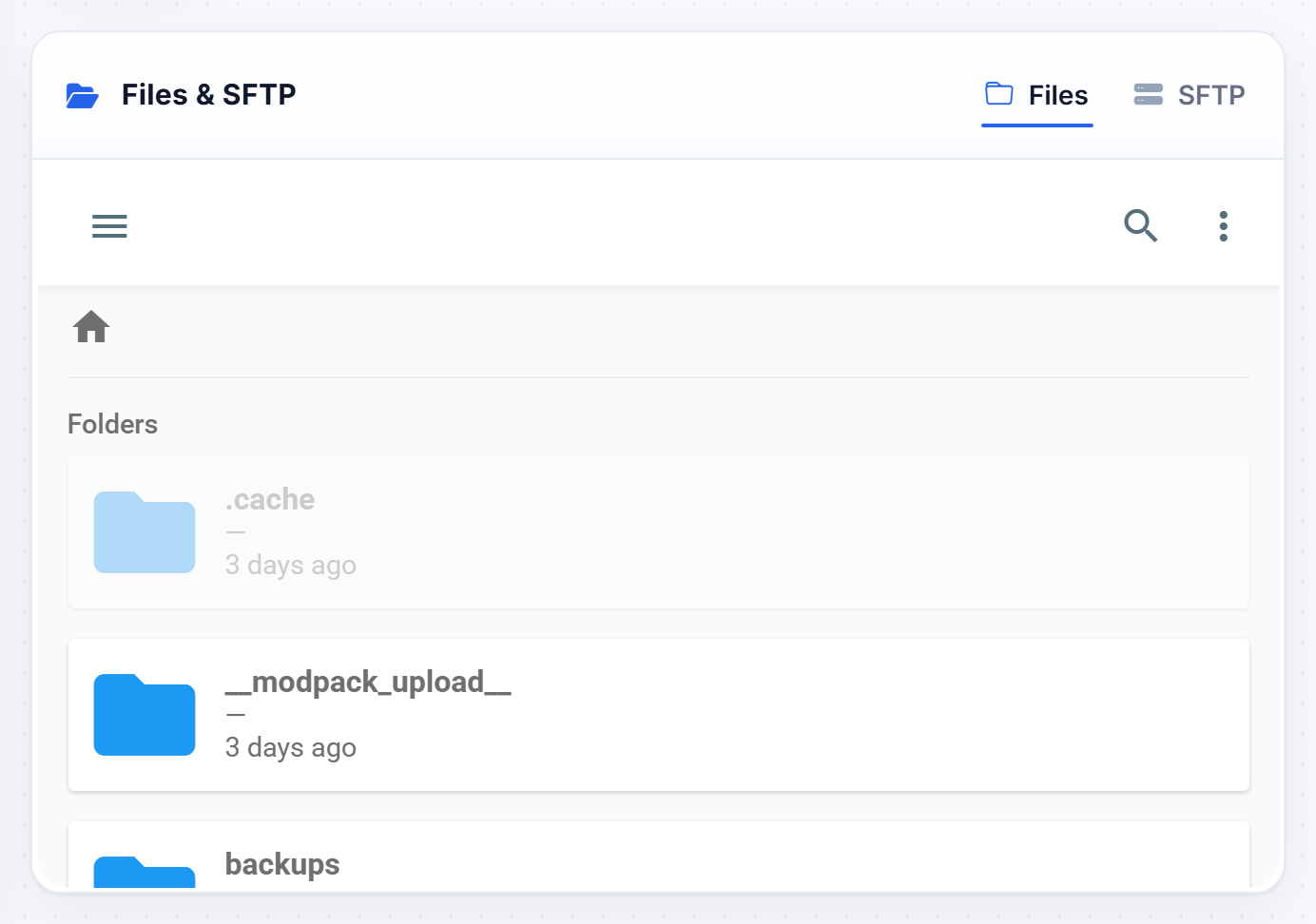
- Open Files and delete the existing
worldfolder, or rename it if you want to keep it. - Upload your own world folder. The quickest way is to zip it first, drag the zip into the file manager, then extract it in place.
- Make sure the folder is named exactly
worldand sits at the top level, next tomodsandconfig.
Start up
Start the server and join. You should spawn in your uploaded world.
If you get a fresh empty world instead, the folder is probably named or placed wrong. The
worldfolder must containlevel.datdirectly inside it.
Was this helpful?
Still need help? Contact support.
