Give your server more RAM
Need more memory for a modpack or a busy server? You change how much RAM, CPU and disk your server gets from its own Edit specs screen. Your world and files stay exactly as they are.
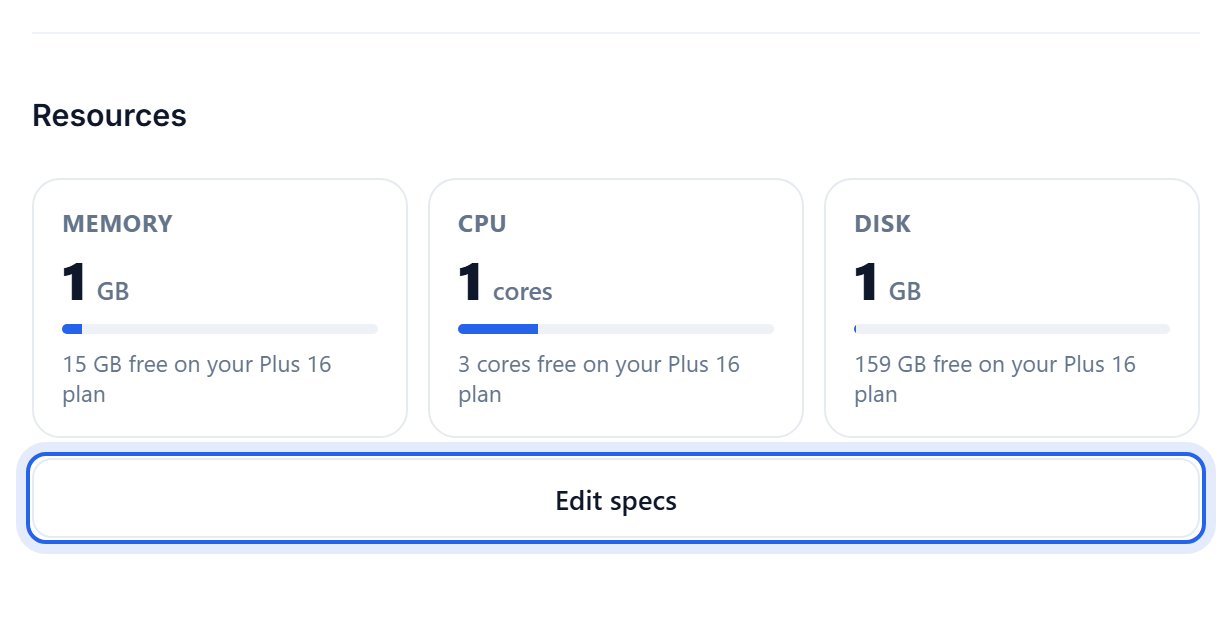
Where to change it
- Open your server and go to Settings.
- In the Resources section, click Edit specs.
- Drag the RAM slider to the amount you want, then click Save changes.
The Max next to each slider is the headroom your plan gives you. Need more than that? Upgrade from Billing, see Manage your plan and billing.
Two things to know
- Stop the server first. Specs can only be changed while the server is stopped, and they apply on the next start.
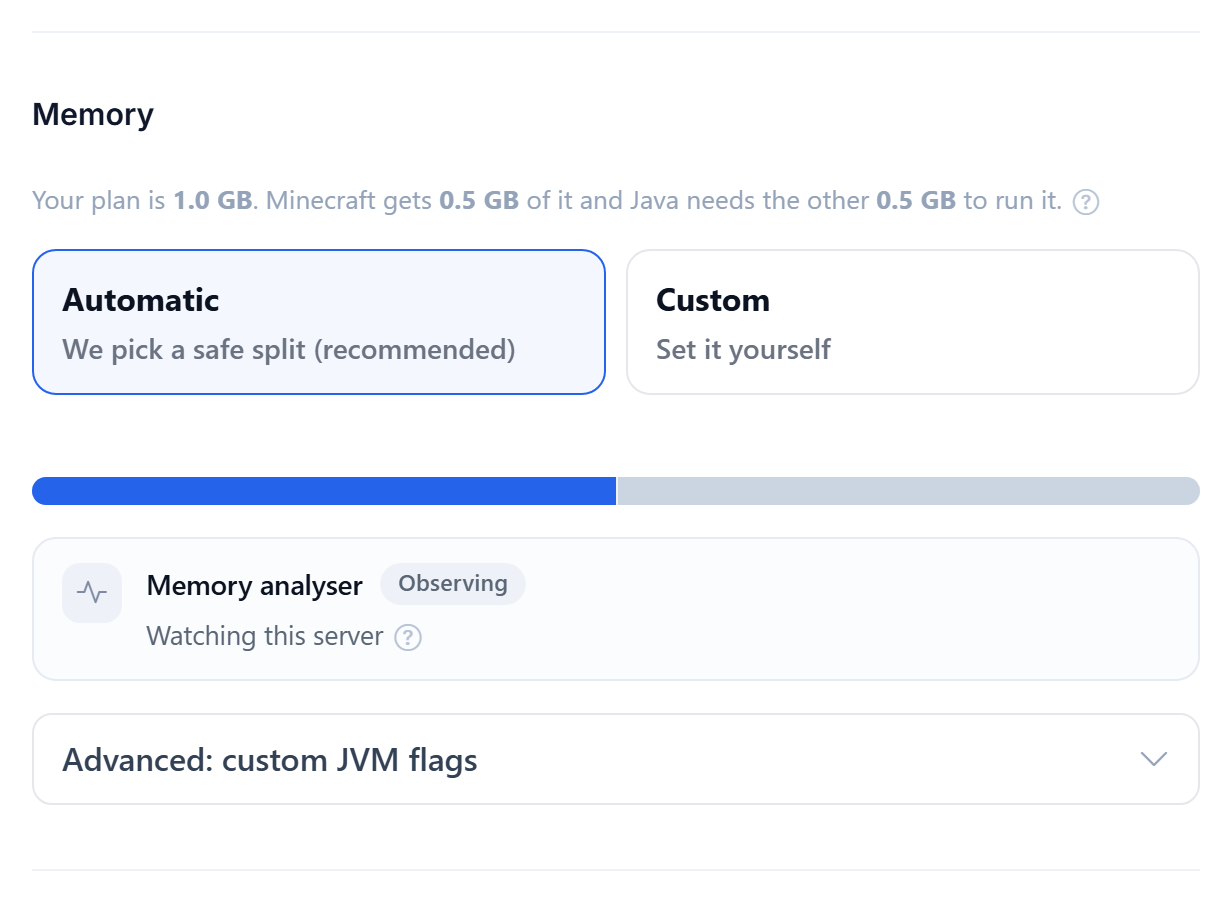
- You do not set the Java heap by hand. We size the Minecraft heap automatically from the RAM you allocate here, leaving headroom for the system and mods. You pick the total, we handle the split.
How much do I need?
- A vanilla or plugin server is happy on 1.5 GB to 2 GB.
- A medium modpack wants 3 GB to 4 GB.
- A large modpack with 100 or more mods wants 6 GB or more.
More RAM is not always the fix for lag. If a high view distance or one heavy mod is the real cause, that is worth checking too. See How to reduce server lag.
Was this helpful?
Still need help? Contact support.
